Back to Home

Mightex · System control and software

PolyScan4 Software

Mightex control and acquisition software for Polygon, OASIS, PolyEcho, Mightex cameras and LED controllers, with a Pro tier for selected third-party cameras.

Tiers
Basic and Pro
Third-party cameras
Pro tier
Operating system
Windows 7+, 64-bit
Licence
One PC
1 part number1 technical document

Your enquiry

Part number SW-PSC-FLEX-SP

Discuss my setup

Quotation-based: tell us about the setup and we prepare a quotation for it.

Manufactured by Mightex. Precisometer is a Mightex distribution partner: we quote, integrate and support Mightex products, with in-person support in the Netherlands and Belgium.

Choose this when…

  • You run Mightex hardware; the Pro tier adds supported pco, Photometrics and Hamamatsu cameras and TCP/IP control.

Based on: Mightex PolyScan page.

How it differs from related controllers & software

Values this page lists that its neighbours in “System control and software” do not.

  • Control: Software

From Mightex

About the PolyScan4 Software

PolyScan controls Mightex hardware from one interface: experiment workflow design, stimulation parameters and triggers, hierarchical data storage, shared experiment templates, and data review. Mightex includes it with its equipment.

The Basic tier supports up to five user accounts and all Mightex devices. The Pro tier adds unlimited users, native control of supported pco, Photometrics and Hamamatsu cameras, Polygon TCP/IP mode, custom experiment templates, image export with processing, and multi-institution facility use.

Mightex makes PolyScan available to accredited research organisations; the licence is tied to one PC.

Features

  • Calibration that maps camera pixels to Polygon mirrors for precise pattern projection
  • Pattern design tools and programmable pulse trains for stimulation
  • Overlaid timestamps of triggered events
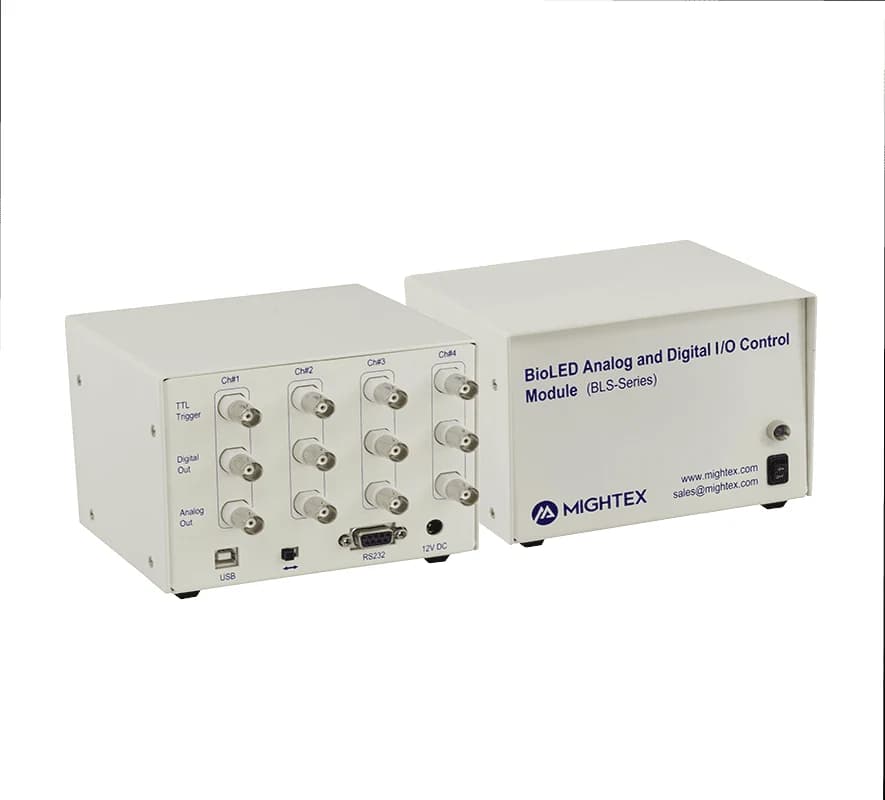
  • Supports Mightex Polygon, OASIS Fiberscope and ROAM, PolyEcho, Mightex CCD and CMOS cameras, LED controllers and the BLS-IO04 module
  • Pro tier: pco (pco.panda, pco.edge, pco.edge 4.2 bi), Photometrics (Prime 95B, Prime BSI, Prime BSI Express, Kinetix, Kinetix22) and Hamamatsu (Orca Flash, Orca Fusion, Orca Spark) cameras

Applications listed by Mightex

  • Patterned photostimulation with the Polygon
  • OASIS imaging and photometry acquisition
  • Synchronised multi-device experiments with PolyEcho

Specifications

Technical specifications

PolyScan tiers
FeatureBasicPro
Maximum user accountsUp to 5 (including guest account)Unlimited
Supported Mightex devicesAllAll
Supported third-party devicesNonepco, Photometrics and Hamamatsu cameras (listed models)
Data review with session timing diagramYesYes
Image exportRaw images onlyWith processing (fiber depixelation, box filtering, background subtraction, contrast)
Polygon TCP/IP modeNoYes
Custom experimental templatesNoYes
Shared facility with users from several institutionsNoYes
Camera image transfer over TCP/IPNoYes
Intelligent soft triggering over TCP/IPNoYes
Minimum PC specifications
ItemRequirement
Operating systemWindows 7 or later, 64-bit
FrameworkMicrosoft .NET Framework 4.8 or higher
Processor2.5 GHz+, 4 cores or more recommended
RAM16 GB or more recommended
USB interfaceUSB3.1 Gen 1, Intel-based preferred
DiskAbout 300 MB for PolyScan; an SSD may be required for high-frame-rate image saving
Monitor1080p or higher recommended

Reproduced from Mightex (official page), retrieved 2026-10-15.

Ordering and integration

What you need with it

Notes from Mightex

  • Microsoft Visual C++ 2015-2022 Redistributable (x64) is required when operating a Polygon1000.

Combining this with other equipment? Ask for an integration check.

Downloads

Technical documents

Build your experiment

Synchronising light, cameras and behaviour

Conceptual workflowBased on Mightex’s PolyEcho and PolyScan pages. It is not a verified configuration: we check how the parts fit your equipment before quoting.

  1. 1

    Light sources

    Software/TTL or manual/analog controlled LEDs.

    • View details
    • View details
  2. 2

    Trigger hub

    Route TTL events to outputs and log them on one clock.

  3. 3

    Cameras

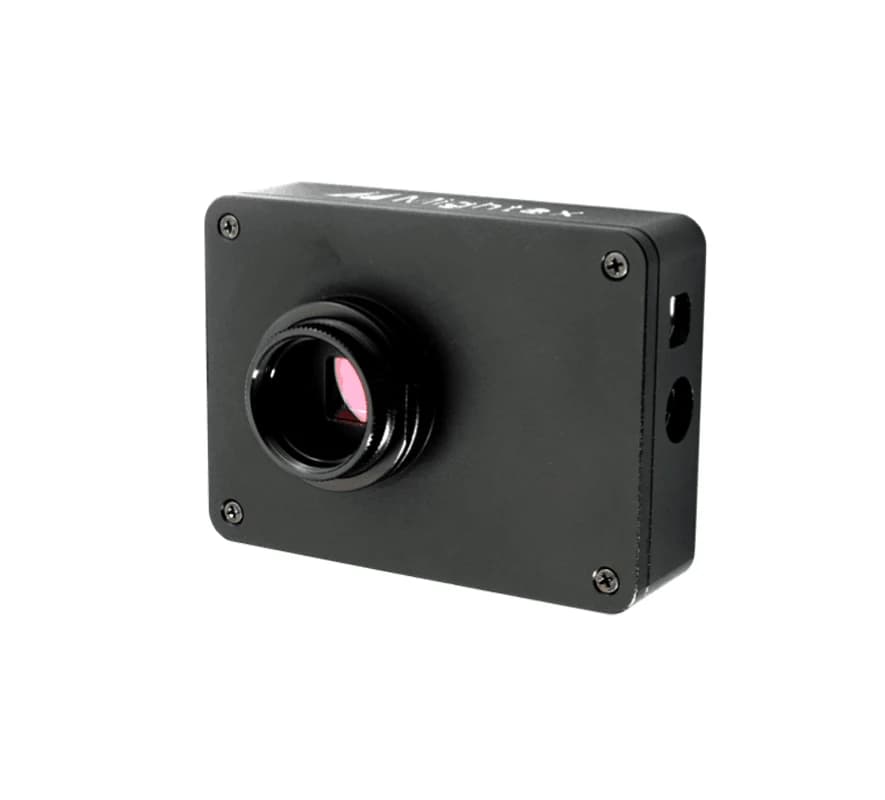
    Mightex cameras supported in PolyScan.

    • View details
    • View details
  4. 4

    Software

    Experiment workflow and data review.

    • This page
View enquiry list

Sources