Sample positioning under high-NA objectives
Place and hold a specimen within the depth of focus while a long acquisition runs.
Opto-Mechanics · Ambient Piezo Stages - Lab linear stages
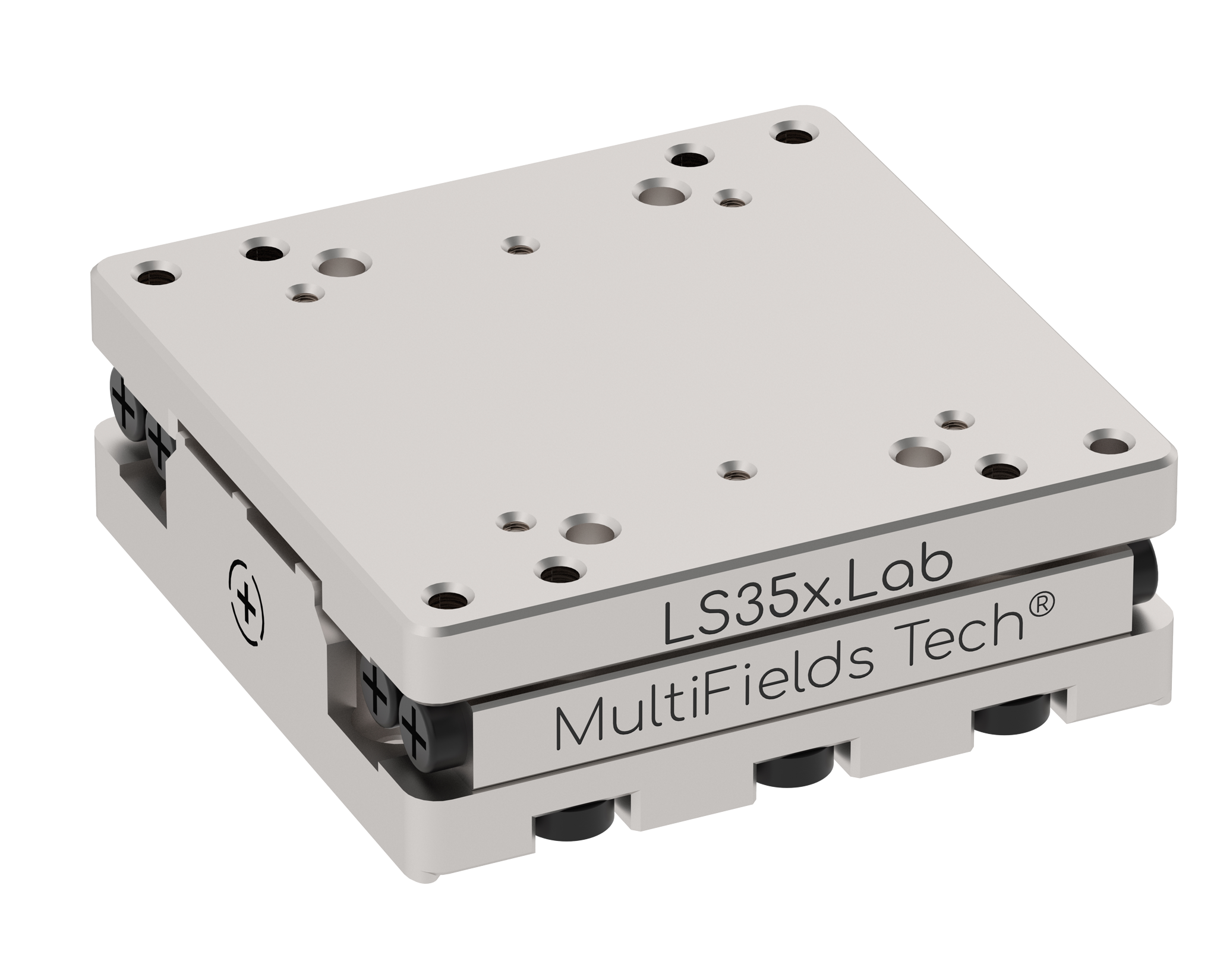
X-axis Lab linear piezo motor stage; 35 x 35 x 12 mm; 20 mm travel; 1 kg horizontal / 100 g vertical payload; 10 nm minimum incremental motion; optical encoder closed-loop feedback with 2 nm standard resolution; .E 50 nm, .adv 0.5 nm, .HV, .UHV, .NM, .HV.NM, and .UHV.NM variants available.
Datasheet (PDF) ↗CAD Model (STEP) ↗Catalog context
LS35x.Lab is listed in the Ambient Piezo Stages - Lab linear stages family. The local catalog record provides these first selection fields: Active axes: X; Mass: 85 g; Travel range: 20 mm.
| Active axes | X |
|---|---|
| Mass | 85 g |
| Travel range | 20 mm |
| Max Driving Frequency | 20 kHz |
| Max. Velocity | 20 mm/s |
| Minimum Incremental Motion(Close-loop) | 10 nm |
| Unidirection Repeatability | ±100 nm |
| Max. Push Force | 2 N |
| Holding Force | 3 N |
| Max. Payload (horizontal mounting) | 1 kg |
| Max. Payload (vertical mounting) | 100 g |
| Sensor Type | Optical Sensor |
| Sensor Resolution | 2 nm |
| Controller | MC-Newton.S series |
Application context
Place and hold a specimen within the depth of focus while a long acquisition runs.
Trim delay lines, cavity spacing and interferometer arms with nanometre resolution.
Serve as a driven axis in a rig where an operator would otherwise adjust a micrometer by hand.
System integration
Use these checks to connect LS35x.Lab to the surrounding optical, mechanical and control system. Every value shown is taken from this model's own specification record.
Technical FAQ
Travel range: 20 mm · Unidirection Repeatability: ±100 nm. Separate travel from resolution and both from repeatability. Repeatability is what an automated sequence actually depends on, and it is the figure most often absent from a headline specification.
Controller: MC-Newton.S series. Pair open-loop mechanics with the specified high-voltage or inertial driver, and closed-loop variants with the controller their capacitive, strain-gauge or encoder feedback requires. Matching connectors do not guarantee electrical compatibility.
Max. Payload (horizontal mounting): 1 kg · Max. Payload (vertical mounting): 100 g. Check the load rating in the orientation you will use it — a vertical or cantilevered load is a moment, not a mass — and match the base to an M6 pattern on a 25 mm grid or a 1/4"-20 pattern on a 1 inch grid.
Specifying this part
Rated at roughly 20 mm/s in air and around a tenth of that in vacuum, because a stick-slip drive depends on friction at the contact and on conducting the heat away. Size the axis on the vacuum figure if it will run in a chamber.
Optical encoder at 2 nm on the standard grade and 0.5 nm on the .adv advanced grade. The mechanics are the same — you are buying the sensor, so take the advanced grade only if the measurement resolves below 2 nm.
Most of the range is orderable as .HV (high vacuum), .UHV (ultra-high vacuum) or .NM (non-magnetic). The suffix changes materials, cabling and bake compatibility rather than the mechanics, so specify it against the chamber the stage will live in.
Full series comparison, controller pairing and mounting hardware on the ambient piezo stages overview, or work through the selection with the configurator.
Model selection
Compare LS35x.Lab with the closest available models in the Ambient Piezo Stages - Lab linear stages family.
| Selection parameter | LS35x.Lab (current) | LS105x.Lab | LS35z.Lab |
|---|---|---|---|
| Travel / adjustment | 20 mm | 60 mm | 10 mm |
| Resolution / sensitivity | 2 nm | 2 nm | 2 nm |
| Mounting interface | 1 kg | 4 kg | — |
LS35z.Lab
Z-axis Lab elevation piezo motor stage; 35 x 35 x 41 mm; 10 mm vertical travel; 500 g payload; 10 nm minimum incremental motion; optical encoder closed-loop feedback with 2 nm standard resolution; .adv 0.5 nm and vacuum/non-magnetic suffix variants available.
LS65x.Lab
X-axis Lab linear piezo motor stage; 65 x 65 x 13 mm; 30 mm travel; 2 kg horizontal / 100 g vertical payload; 10 nm minimum incremental motion; optical encoder closed-loop feedback with 2 nm standard resolution; .E 50 nm, .adv 0.5 nm, and vacuum/non-magnetic suffix variants available.
LS65z.Lab
Z-axis Lab elevation piezo motor stage; 65 x 65 x 44 mm; 10 mm vertical travel (20 mm optional); 500 g payload; 10 nm minimum incremental motion; optical encoder closed-loop feedback with 2 nm standard resolution; .adv 0.5 nm and vacuum/non-magnetic suffix variants available.
LS80z.Lab
Large-load Z-axis Lab elevation piezo motor stage; 80 x 80 x 40 mm; 10 mm vertical travel; 1 kg payload; 2 nm optical encoder closed-loop feedback; stackable with Lab series stages.
Before you specify
Engineering context for choosing this class of component, with the tradeoffs worked through on real specifications.
 Nanopositioning
Decide what to move — sample, objective or both — then turn field of view, stack depth, settling and synchronisation into stage specifications. Comparison tables, an acquisition-time calculator, three configurations and a purchasing checklist on documented objective scanners, clear-aperture XYZ stages and controllers.
Open guide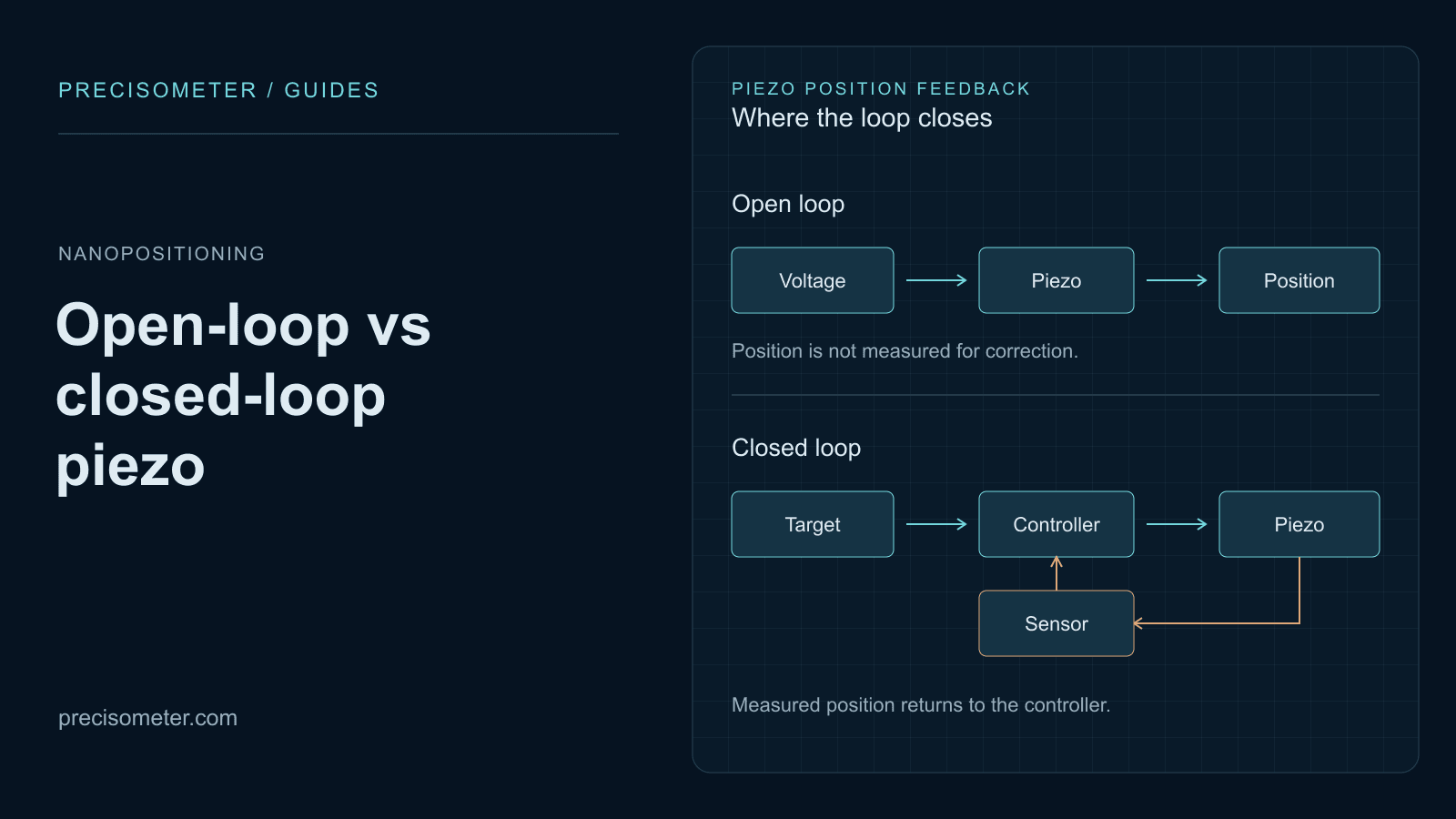 Nanopositioning
Why an open-loop piezo is wrong by 15 % of its travel, how creep grows with the logarithm of hold time, what strain-gauge and capacitive feedback actually fix — and the bandwidth and sensor noise a servo costs you in return.
Open guide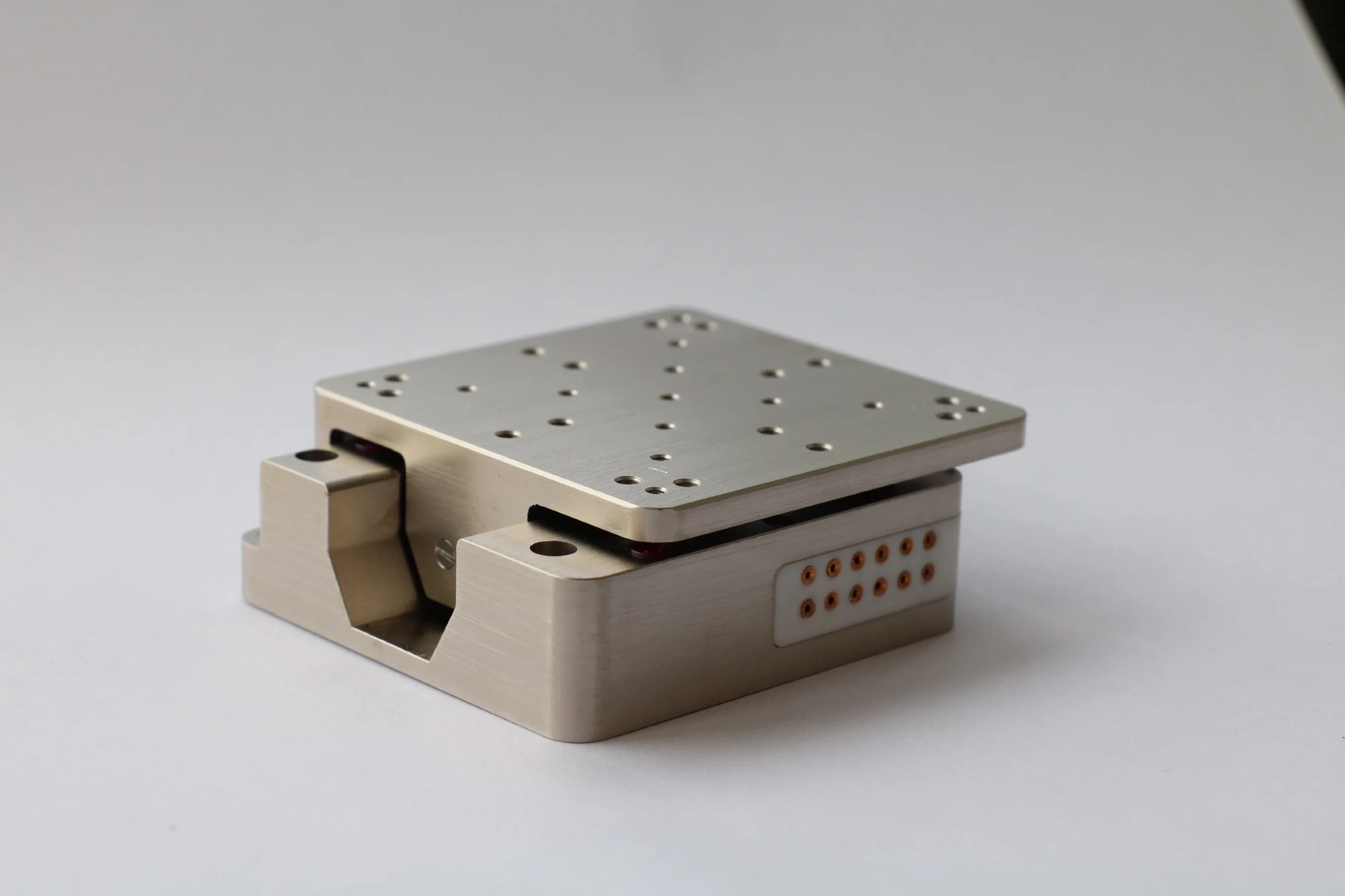 Nanopositioning
Piezo ceramic strains by one part in a thousand, so a 20 mm stack gives 20 µm. Every stage architecture is a different way around that limit — and each one wins a different experiment.
Open guide